What is the best way to organize decades of family photos?
2 min readorganizinggetting started
The best way to organize decades of family photos is to gather everything into one place, sort by decade rather than by event, keep only the photos that tell your family's story, and use one consistent naming and folder system for the digital copies. Start with the oldest photos first. They are the most at risk and the hardest to identify later.
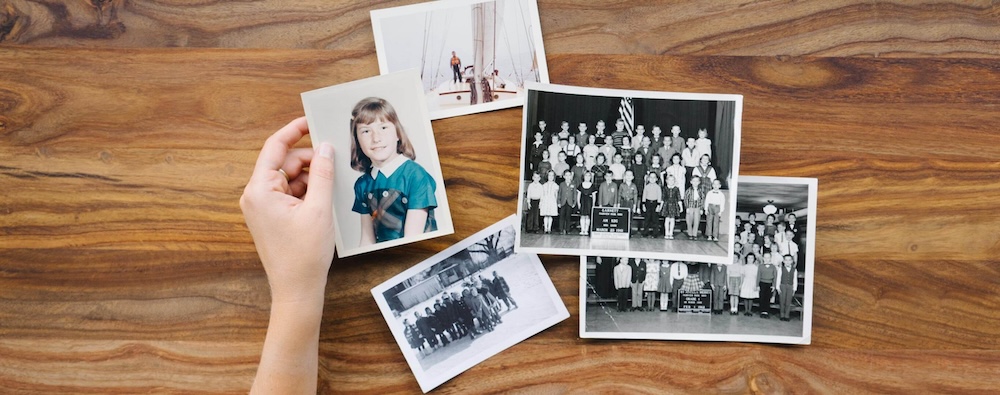
Decades of photos accumulate faster than any of us expect. I have seen toddlers with bigger photographic archives than their grandparents. When a family finally decides to get organized, the question is always the same: where do I even start?
Where do you start when photos are everywhere?
Start by gathering, not sorting. Collect every box, album, envelope, frame, memory card, and drive into one physical place, and every digital photo into one folder on one computer. You cannot organize what you cannot see, and the gathering step alone usually reveals duplicates, forgotten treasures, and the true size of the project.
Then set up a simple sorting station: a big table, some index cards for decade labels, and photo-safe boxes. Not the dining room table you need back by dinner. This project takes longer than one afternoon, and packing it up every night is how projects die.
Should you sort photos by date or by event?
Sort by decade first. Dating a photo within ten years is a two-second decision you can make from haircuts, cars, and photo formats alone. Sorting by event ("all the Christmases together") feels appealing but forces slow decisions and creates piles that overlap.
Once a decade box gets full, sort it into years, and only split a year into events when the year has hundreds of photos. Organizing works best as progressive refinement, not perfection on the first pass.
Which photos should you keep?
Keep the photos that tell the story; let go of the rest. My clients are usually shocked when I tell them they can throw photos away, and relieved once they do. You can safely let go of:
- Duplicates and near-duplicates (keep the best one)
- Blurry, dark, or red-eyed shots that were never good
- Scenery with no people, from trips no one remembers
- Photos of people no living relative can identify
A curated collection of 5,000 photos gets looked at. An uncurated pile of 50,000 does not. Curation is not losing memories. It is making the real memories findable.
How do you keep digital photos organized going forward?
One system, applied everywhere, forever:
- One home. All photos live in one master library (and its backups), not scattered across old laptops, phones, and a dozen cloud accounts.
- Chronological folders. One folder per year, event subfolders only for big events.
- Rename the keepers. A filename like
1994-06 Lake trip - Dad and Grandpa.jpgwill still make sense in fifty years;IMG_4172.jpgwill not. - Write the stories down. Names, places, and the story behind the important photos, in the file name, the photo's metadata, or a simple document alongside the folder.
- Back it up automatically. Two backups, one of them offsite or in permanent cloud storage, refreshed without you having to remember.
This is exactly the system I set up for families, either coaching you through it, or doing the entire project for you, including identifying people and capturing the stories before they're lost.
Common questions
Quick answers
How long does it take to organize a lifetime of photos?
Plan on 2–6 months of steady part-time effort for a typical family collection of 10,000–30,000 photos, or a few weeks if a professional organizer handles it full-time. The biggest variable is decision speed. Sorting goes fast once you stop agonizing over every image.
Should I organize printed photos or digital photos first?
Start with printed photos, slides, and tapes. They are actively deteriorating and exist in only one copy, so they carry the most risk. Your digital photos are messy but not fading, so they can wait their turn.
What folder structure works best for family photos?
A simple chronological structure works best: one folder per year, with event folders inside only when an event has many photos, like "2018/2018-06 Beach trip". Avoid deep nesting and clever category systems. The easier the rule, the more likely everyone follows it.