Computers crash
· Updated August 28, 20262 min readdigitizingphoto preservation
How to prevent the trauma of having a computer crash and losing all of your photos & videos.
There are two types of people...
Nick Kelsh, a photographer I’ve met, says there are two kinds of people in the world – those that have had a computer crash and those that WILL have a computer crash.
Since I’m all about the photos, I am concerned about people that have no back up in place for their photos in the case of a computer crash. My best friend had a computer crash several years ago. She had a computer-savvy friend do the best he could to retrieve the info from her hard drive, but it was a mess. Layers and layers of folders and files to sort through in the hopes of finding a photo at the bottom. Even worse was that shortly thereafter, her External Hard Drive also crashed. Let’s just say that did not make her happy!
So, what to do? A general rule of thumb is to have three sources of backup. One in your home, one outside your home and one in the cloud. For example, an external hard drive that is hooked up to your computer and you back up to it (REGULARLY!), with a second external hard drive that gets backed up less frequently (once a month, maybe?) and is kept in a friend’s house or a Safe Deposit Box at a bank. Remember to back up the photos on your phone and tablet, and if you do digital scrapbooking, back up those files, also.
For the cloud storage, I definitely recommend Forever.com.

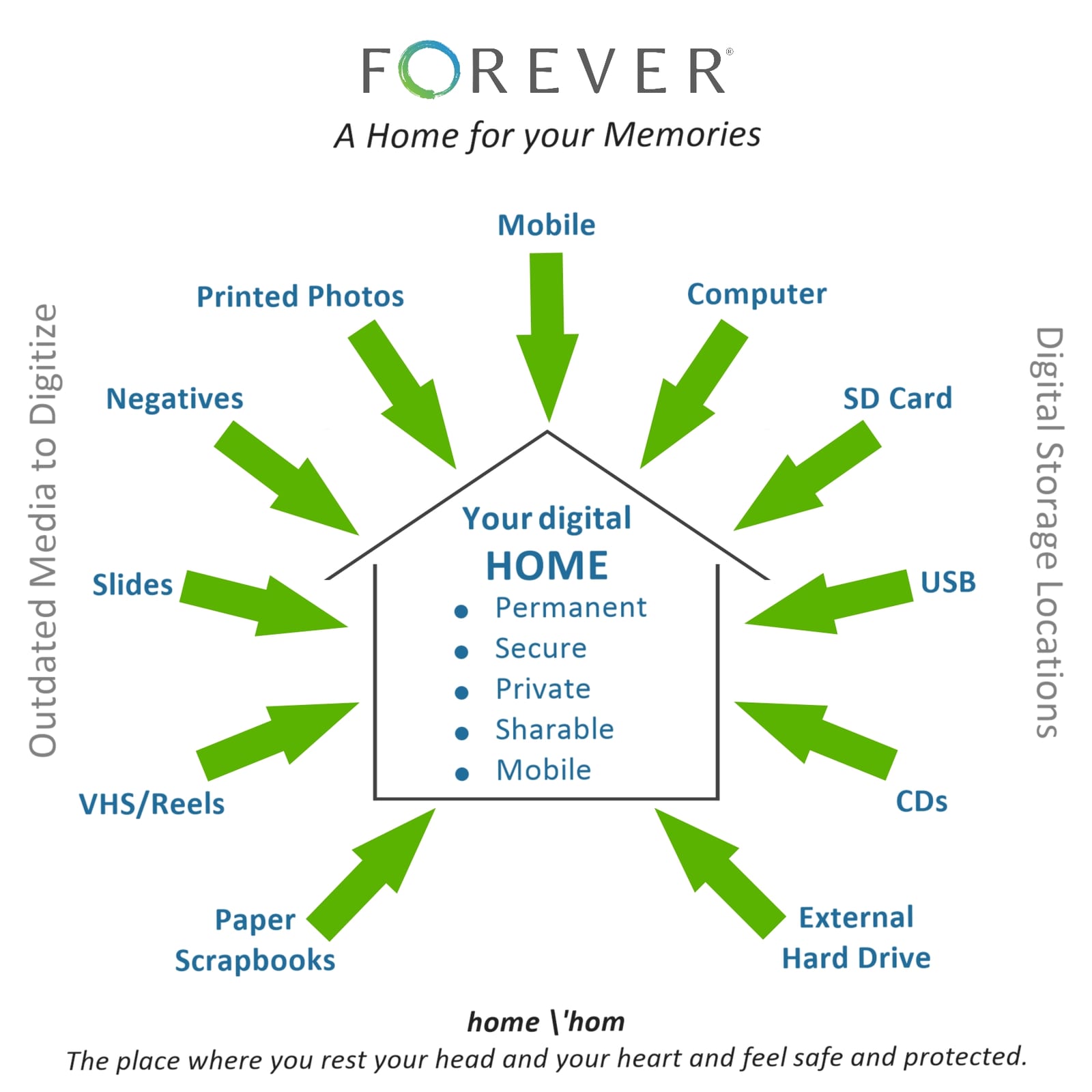
Forever is permanent online storage that you own, not rent. All images still belong to you and you control who can see them. The storage is guaranteed for generations, and your data will not be data-mined or sold to advertisers. Files are preserved in the highest resolution and are migrated to newer formats as old formats become obsolete (ever had a movie transferred to a VHS, then transferred to a DVD?). Your data is fully encrypted and triple backed up on strategically located servers.

I’d love to help you with your digital mess of photos (or physical photos and memorabilia, too!). You can check out Forever by going to my website www.forever.com/ambassador/PhyllisO or contact me at cmphyllis@msn.com.
Until next time,