It’s time for another wedding album!
· Updated September 3, 20263 min readweddingswedding photoswedding albumwedding pictures
Yup, it’s time for another wedding album. As you may remember from a previous post, our younger daughter got married in December.
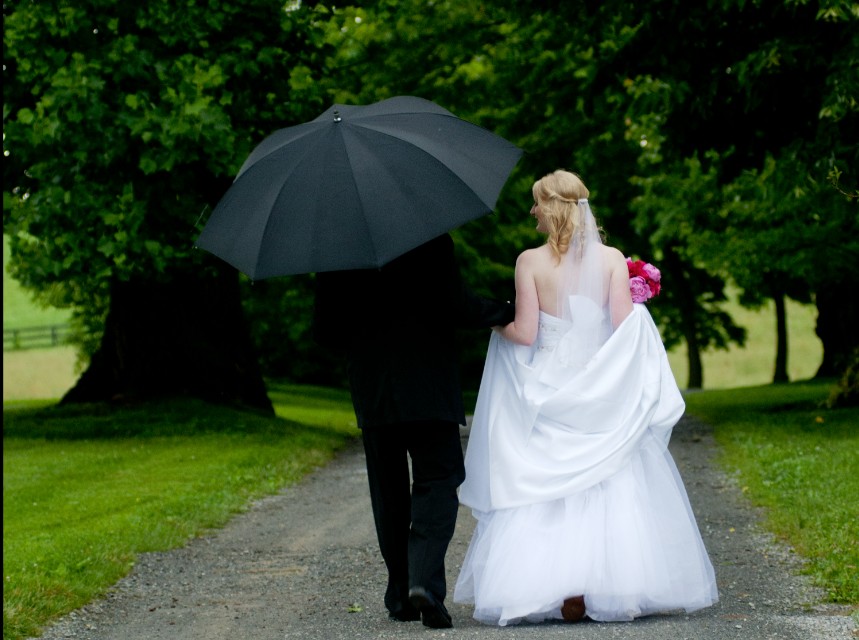
Yup, it’s time for another wedding album. As you may remember from a previous post, our younger daughter got married in December. She and I will soon be collaborating on a wedding album, like the one I made for her sister when she got married. Since I don’t have Becca’s all laid out yet, I thought I would use Jenni’s album as an example and show you what I did to organize prior to making the album.
Note: I did the organizing in FOREVER’s Historian program, and the album was made in FOREVER’s Artisan program. These are both very easy programs to use, and you can find out more about them (or purchase them) by clicking the appropriate link to the right of this post. Let me know if you have any questions.
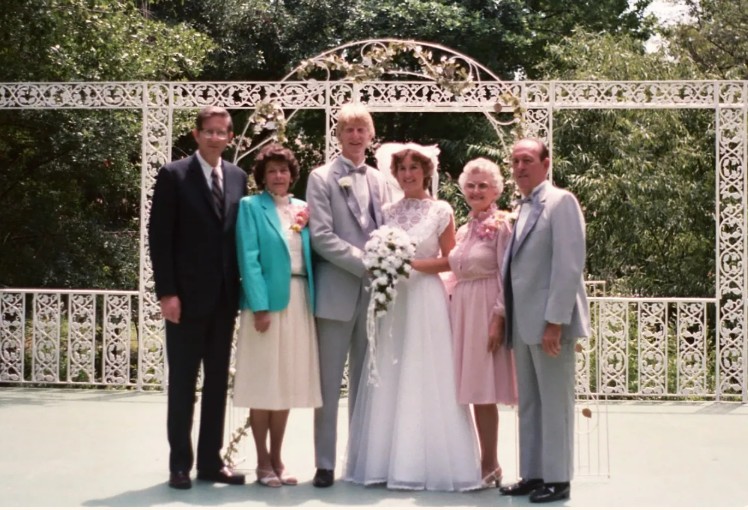
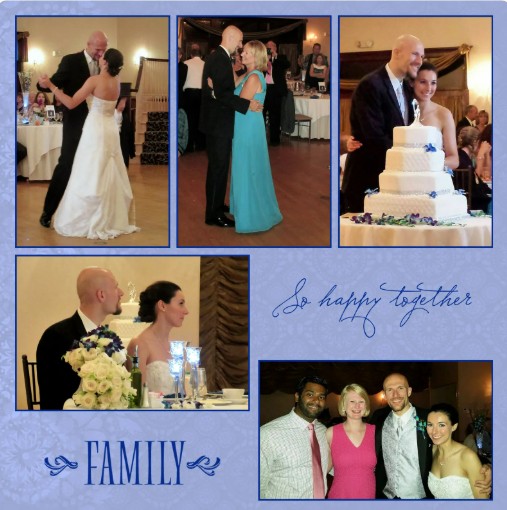
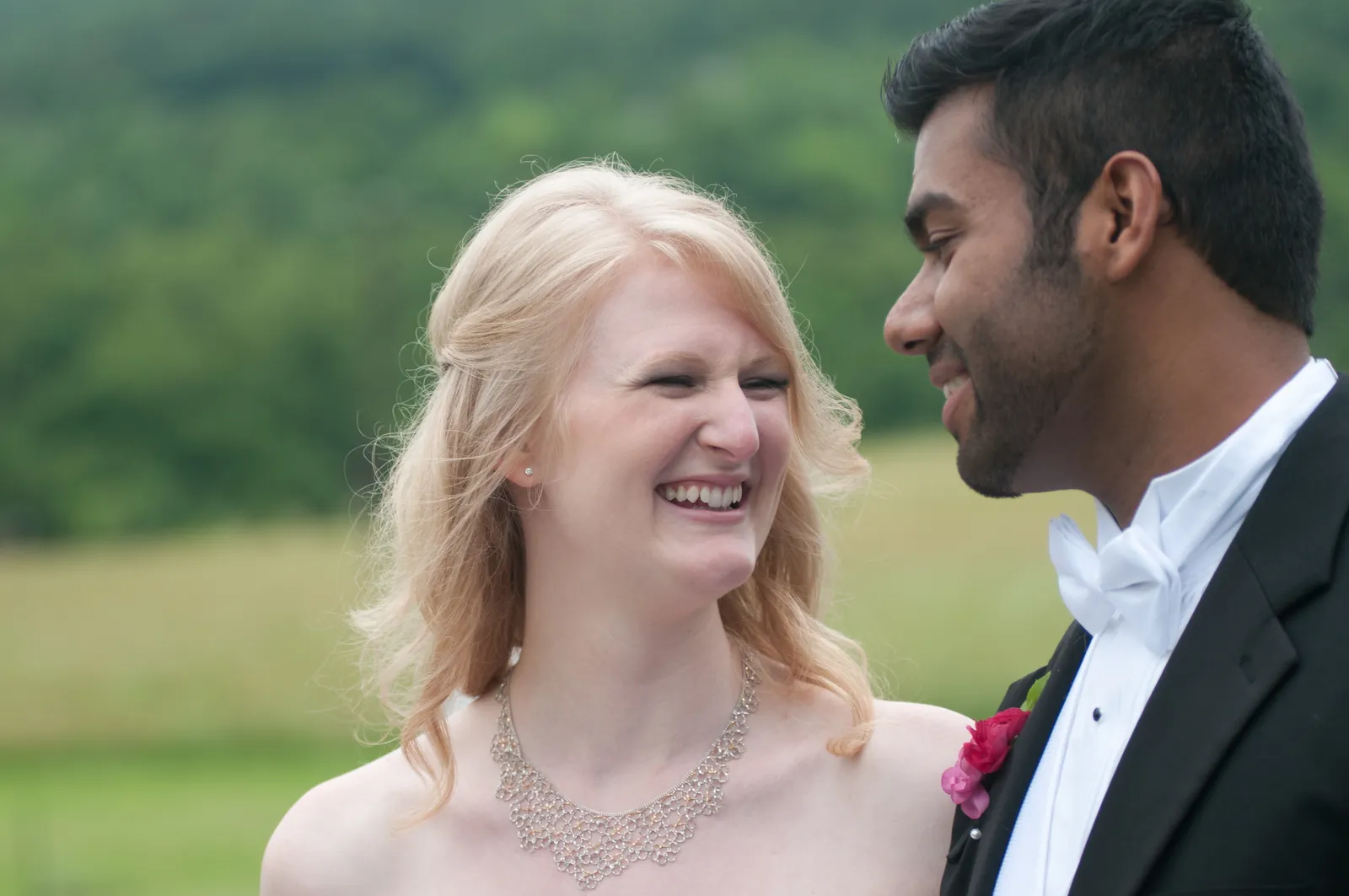
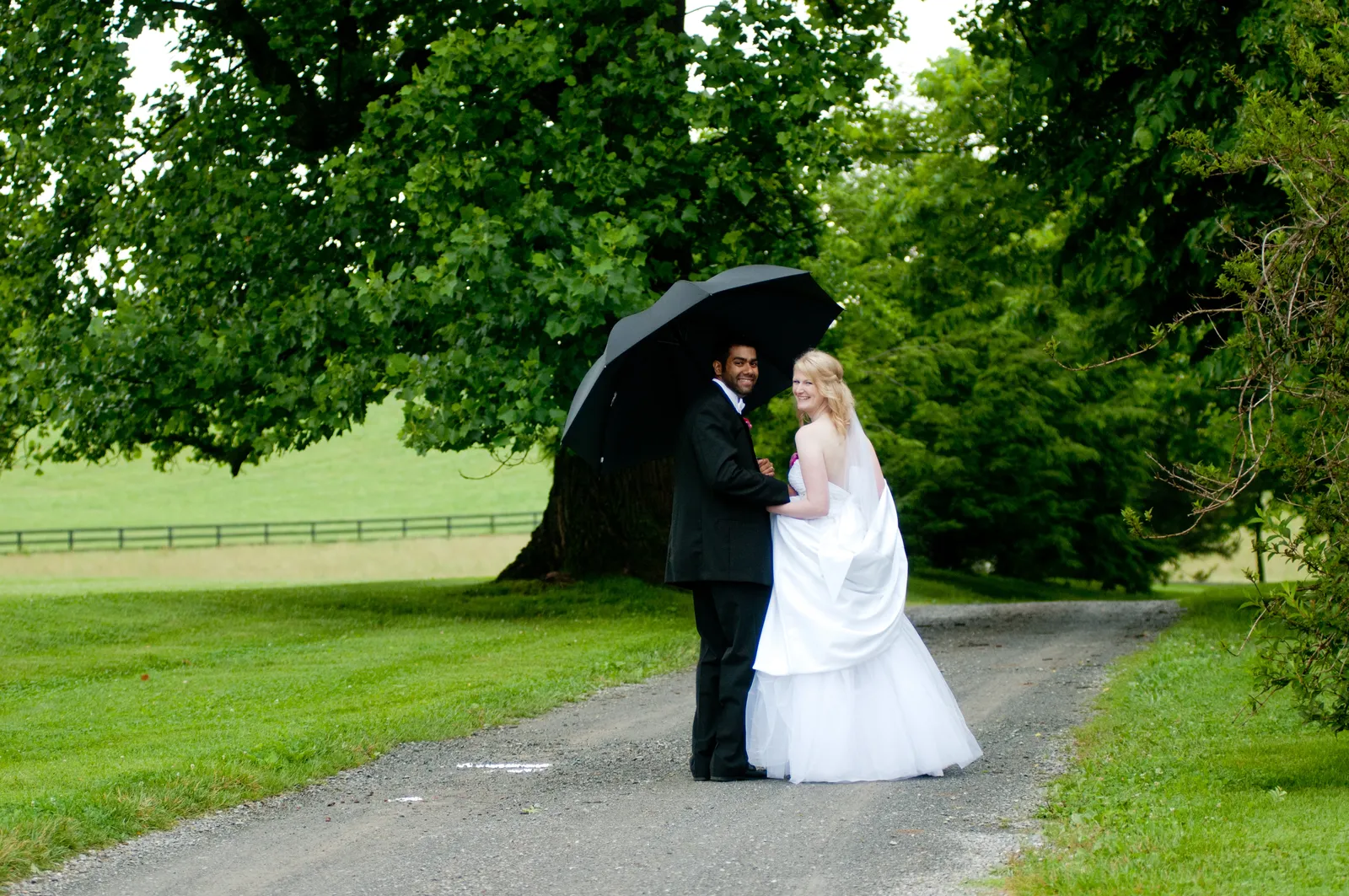
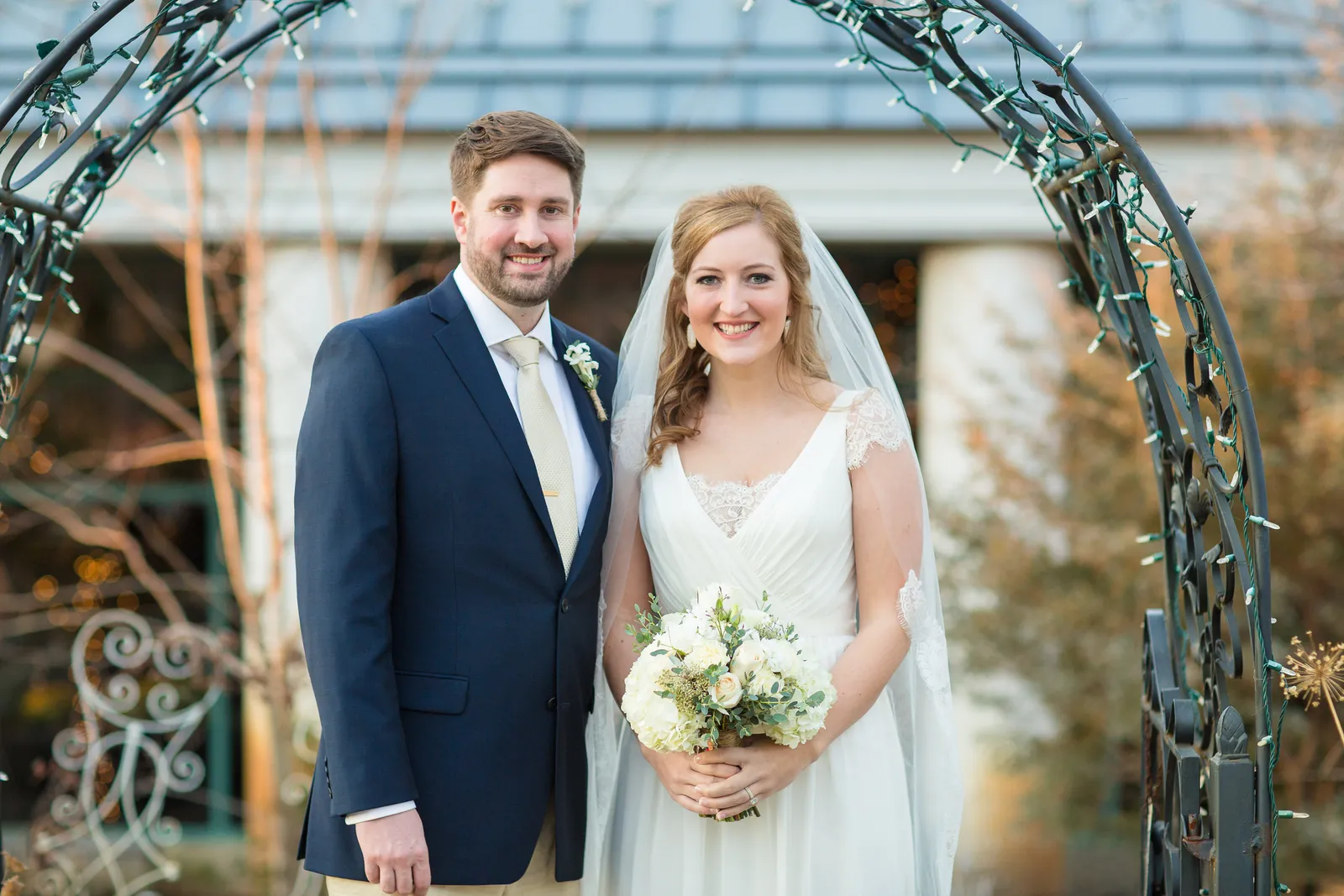
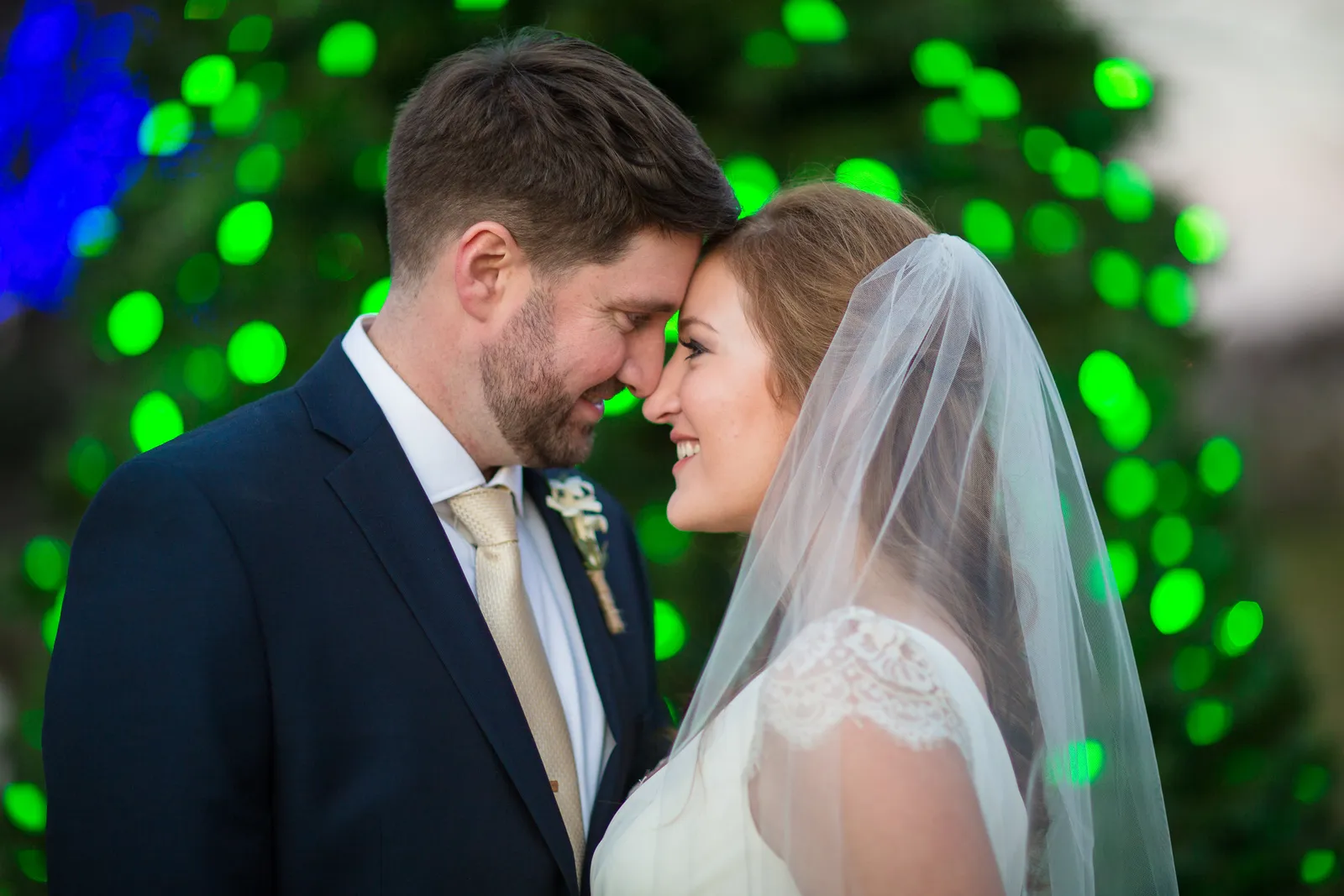
First, I’d just like to share a couple of beautiful photos from each wedding (and because it’s my blog, I can do that!).
Okay, now I’m ready!
First, I went to my Historian program and made a new album. I named it “Jenni’s wedding”. Then, I added ALL the photos from her wedding (1,953 professional photos, 37 photos of the rehearsal and rehearsal dinner and 429 photos taken by wedding guests – YIKES, that’s a lot of photos!). Since I knew I couldn’t add ALL of them into the album, I wanted to make sure I had the best photos of the similar ones taken, and knew that there would be some photos taken by guests that would capture something that the professional photographer didn’t get. Although they might not be the same quality, we were going for heart here, also. Once I had all 2,419 photos added to the album (whew!), I added some journaling boxes as separation points. For example, “The Venue & Decorations”, “Getting Ready”, “The Ceremony”, “Formal Pictures”, “The Reception”, “Dancing”; you get the idea.
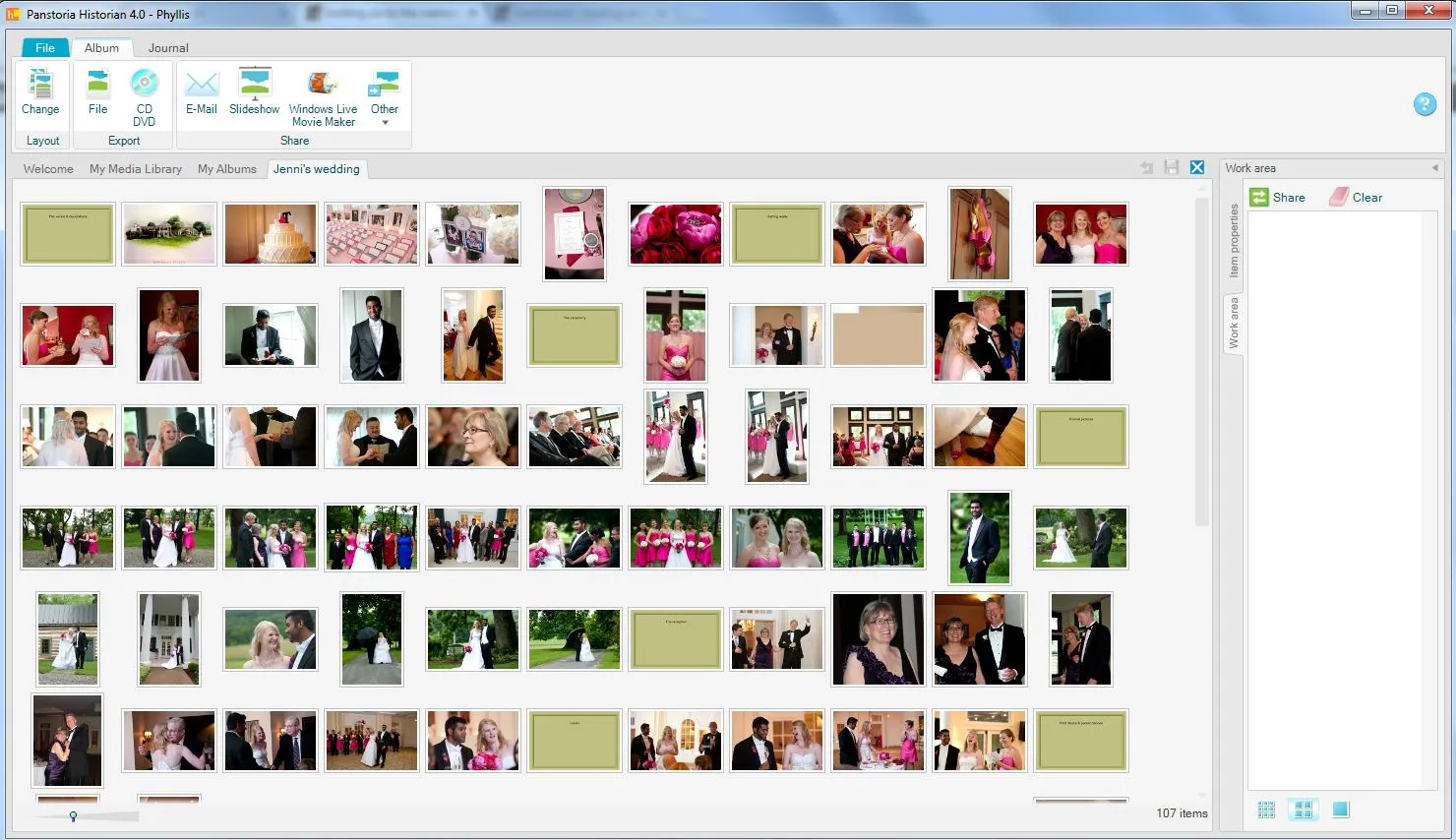
This allowed me to click and drag all of the pictures that were similar so that they were right next to each other and I could easily decide which one/s to use; that helped me whittle down that 2400+ chunk of pictures! When I deleted pictures from the album, it did NOT delete them from my memory vault (the main section of Historian), so they didn’t completely go away, they just left the album. Once each section had been looked through and culled, we were left with the photos we wanted to use in the album.
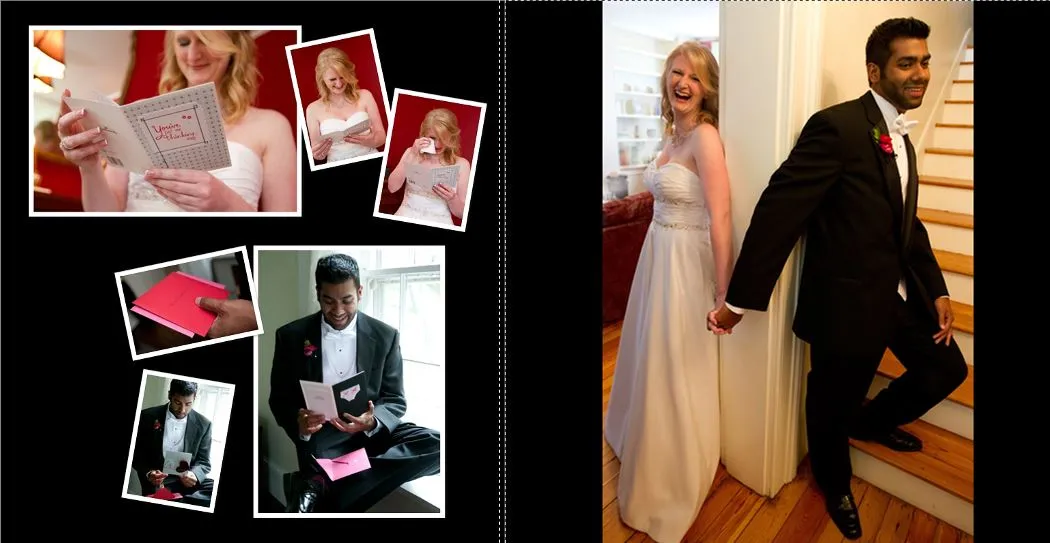
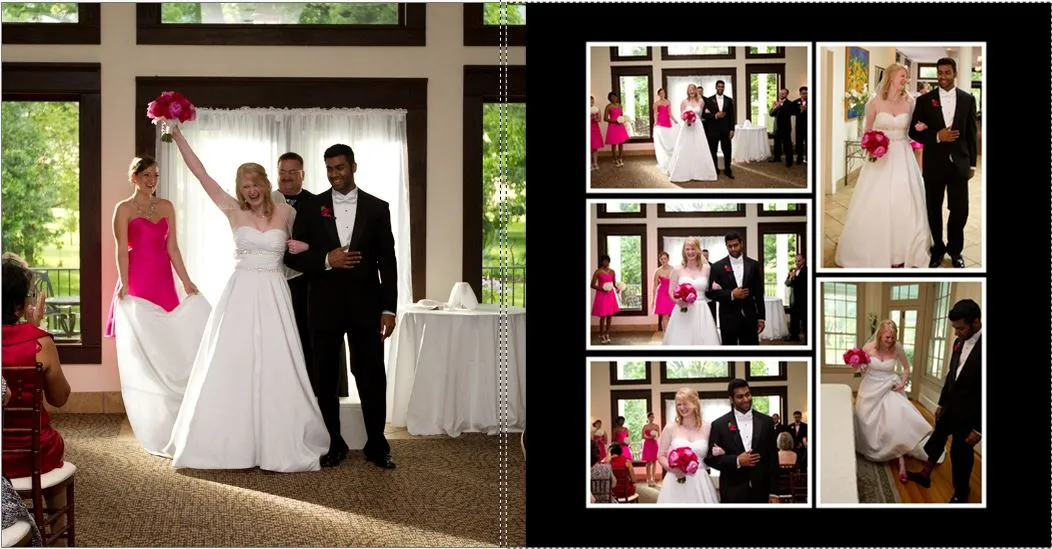
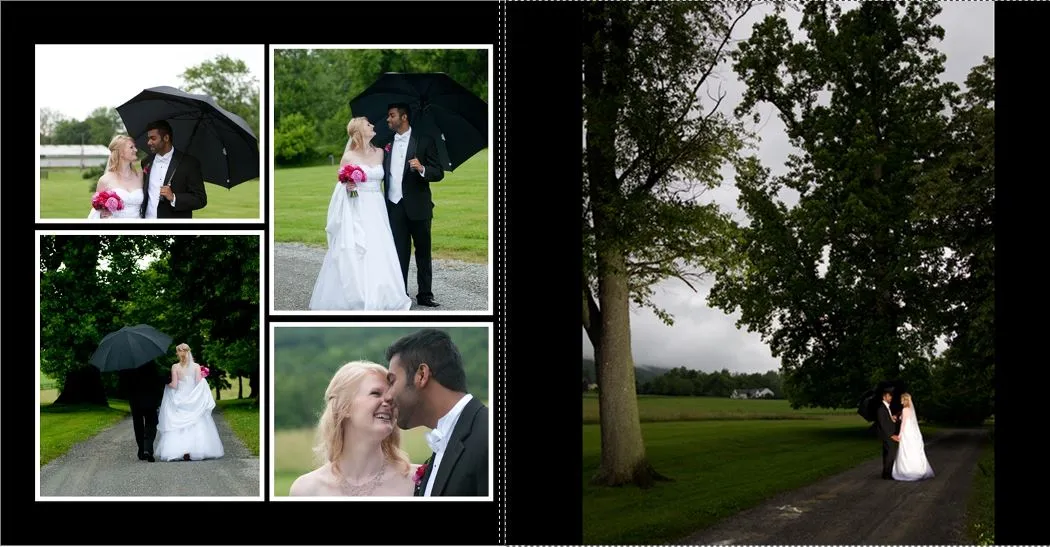
I made a new digital album in Artisan, and brought the pictures over ONE SECTION AT A TIME. That’s very important! It’s easy to get lost if you have tons of pictures to look through and add to pages. By bringing them over a section at a time, I could easily see how many photos I had for each section and we could decide how many pages would be done for the section we were currently working on. At this point, it is important to note that I did this with the bride sitting right next to me! Since this was to be her book and was our wedding gift to them, I wanted to make sure it was what SHE wanted, and not just what I thought would be nice. So she picked the photos that would be full-page and how she wanted the others arranged. We worked on it together and it was really fun and a sweet time of remembering a fantastic day. Here are a few of the layouts that I really love from Jenni’s album .
I can’t wait to get started on Becca’s book – it will again be fun to sit with my girl and remember a beautiful day – and thankfully, so far we only have 1,519 photos of HER wedding! Wonder if we’ll get any more before we start working on the book?
Until next time,